Affiliate Disclosure: May contain affiliate links.
CrushOn AI Access Guide 2026: Browser, Android & iPhone
CrushOn AI does not require any download to use. The web version at crushon.ai delivers full features on every device. Android users can also install the native app from Google Play. iPhone users can access the platform through Safari. Here is the complete access guide.
Option 1: Web Browser (All Devices, No Download)

Best for: Desktop computers, laptops, iPad, iPhone, or any device where you prefer not to install an app.
Open any browser — Chrome, Firefox, Edge, Safari — and go to crushon.ai. Sign up or log in. The full platform is available immediately without installation. For iPhone and iPad, adding crushon.ai to your home screen via Safari's Share button creates an app-like launcher icon.
The web version is always running the latest platform version — no manual updates needed.
Option 2: Android Native App
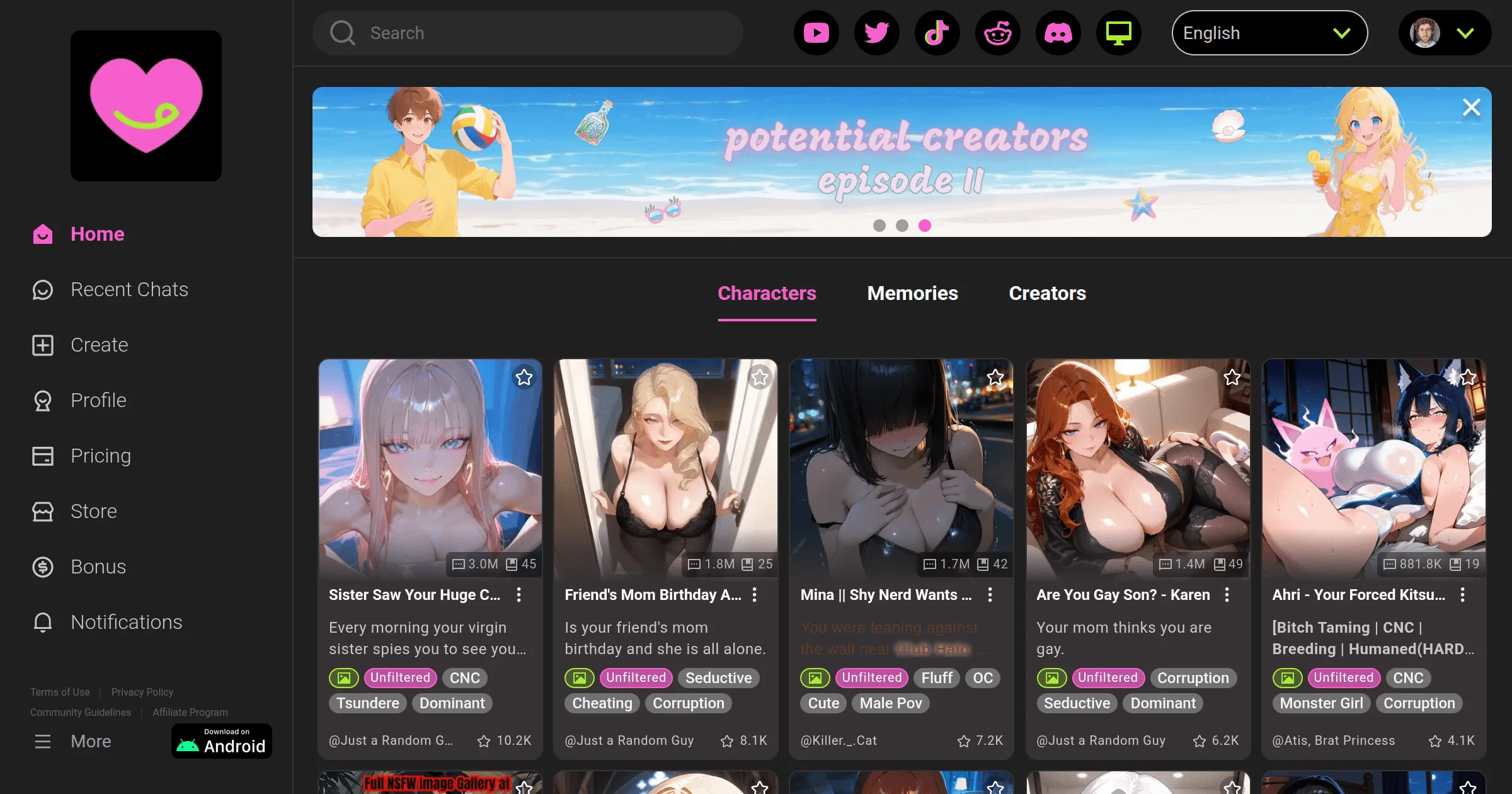
Requirements: Android 5.0 or higher.
Via Google Play Store (easiest):
- Search "CrushOn AI" in the Play Store
- Select the Peekaboo Tech Inc. app
- Install — free to download
Via direct APK (if Play Store unavailable):
- Enable unknown sources: Settings > Security > Unknown Sources
- Go to crushon.ai on your Android browser
- Download the APK from the official site
- Install and disable unknown sources afterward
Only download APKs from crushon.ai directly. Third-party APK sites are not safe.
Option 3: iPhone / iPad
The CrushOn AI iOS app is available in some regions but has been removed from others due to Apple content policy conflicts with NSFW material.
If App Store shows CrushOn AI: Download normally.
If App Store does not show it: Use Safari browser at crushon.ai. Full feature access through the browser. Add to home screen for easy access.
Account Setup
Once you reach crushon.ai (by any method):
- Click "Sign Up"
- Enter email or use Google sign-in
- Create a password
- Check the 18+ age confirmation
- Done — 50 free messages/day activated, no card needed
Troubleshooting
App not in Play Store: Try the APK download from crushon.ai.
App keeps crashing: Update the app, clear app cache, reinstall.
iOS App Store doesn't list it: Use Safari browser.
Can't reach crushon.ai: Some ISPs block adult content. Try a VPN or different network.
For deeper issues, see our troubleshooting guide.
Frequently Asked Questions
Yes. Chromebook users can access CrushOn AI through the Chrome browser at crushon.ai. Chromebooks can also run Android apps — if your Chromebook supports the Google Play Store, you can install the CrushOn AI Android app.
No. There is no native Windows application. Windows users access CrushOn AI through a web browser at crushon.ai. Chrome, Firefox, and Edge all work correctly.
Android's security model requires enabling "Unknown Sources" (or "Install Unknown Apps") to install any APK not distributed through the Google Play Store. This setting allows installation of the officially distributed CrushOn AI APK from crushon.ai. Re-disabling unknown sources after installation is good security practice.
Download only from crushon.ai — the official CrushOn AI website operated by Peekaboo Tech Inc. Do not download from any third-party site. The official APK is the same app distributed through Play Store in available regions.